Already have FamilyAlbum Premium?See here


More Convenience,
More Love,
With Premium
Already have FamilyAlbum Premium? See here

Premium lets you effortlessly upload large numbers of photos from your computer!
Upload From Your Computer3 Plans To Choose From
FamilyAlbum Premium comes in three plans: Premium One for individual coverage, Premium Family for the whole family, and Premium Family Pro for all features for the whole family.
Monthly and Yearly 1s Movies
1s Movies will be delivered to you every month so you and your family can relive the precious moments more often. Plus, look back on memories from the whole year with our new Yearly 1s Movies!
 See Sample Movie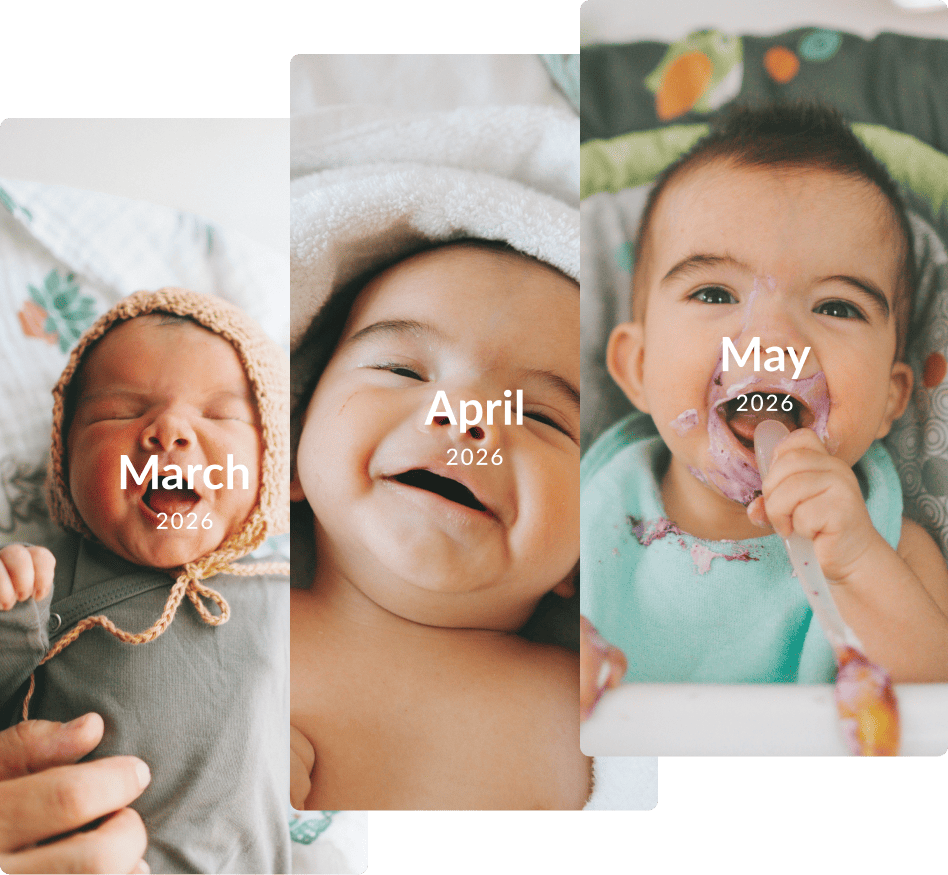
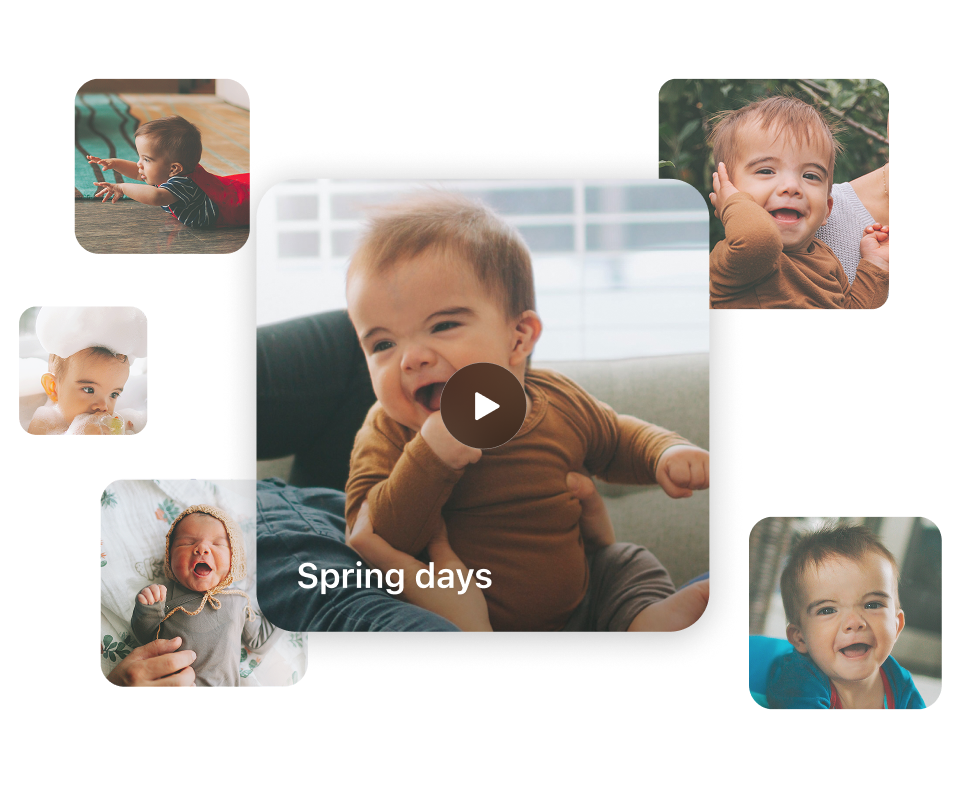
Unlimited themed compilations
Rediscover your favorite memories in these easy-to-watch slideshows.
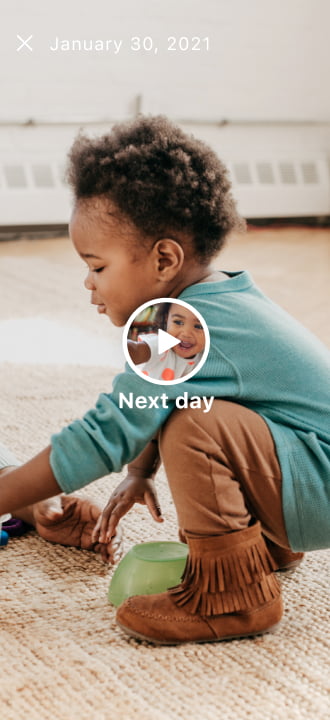
Unlimited "On This Day" slideshows
Take a trip down memory lane with a slideshow of today from days past set to nostalgic background music. With a Premium plan, keep the slideshow going with continuous playback.
• In certain countries and regions, Album Members (non-Admins) cannot use the unlimited slideshow feature, even if they are subscribed to the Premium One plan.

• In certain countries and regions, Album Members (non-Admins) cannot use the unlimited slideshow feature, even if they are subscribed to the Premium One plan.
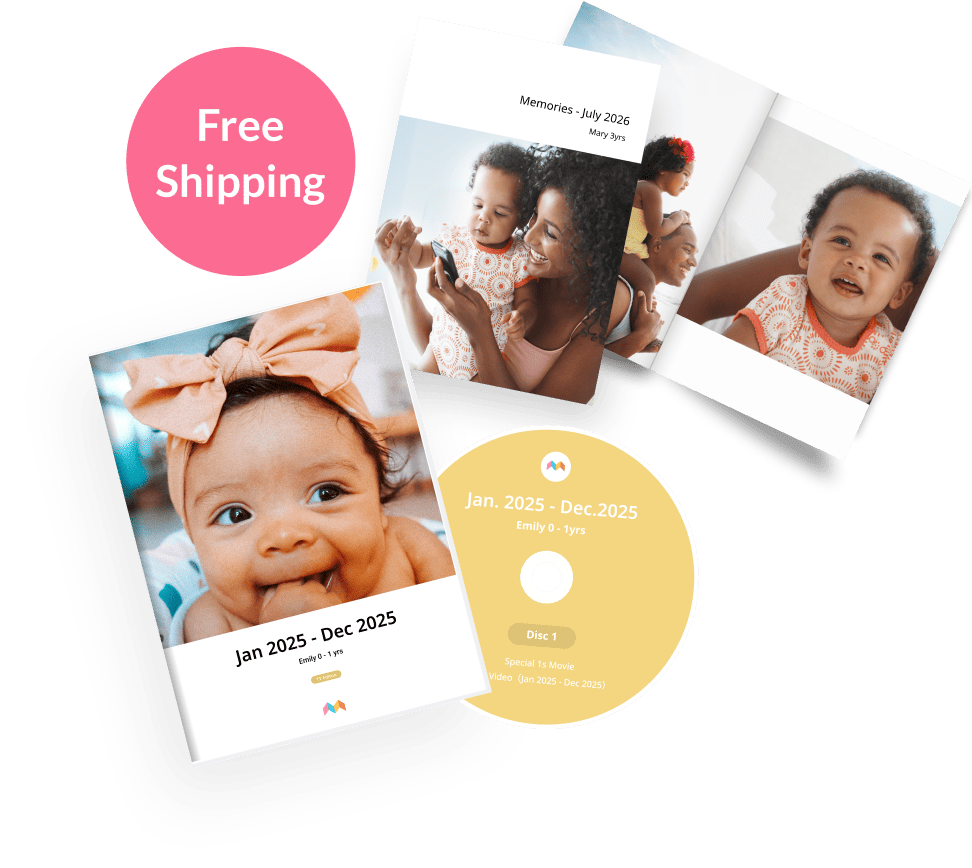
Get Free Shipping
(exceptions apply)
Shipping fees will be waived for products sold through FamilyAlbum (photobooks, DVDs, etc.).*
*Excludes photo print products
Upload Longer Videos
Some of the best memories last longer than 2 minutes. With a FamilyAlbum Premium plan, upload videos up to 10 minutes long and never miss a moment.
You'll still be able to see videos over 2 minutes after your subscription ends.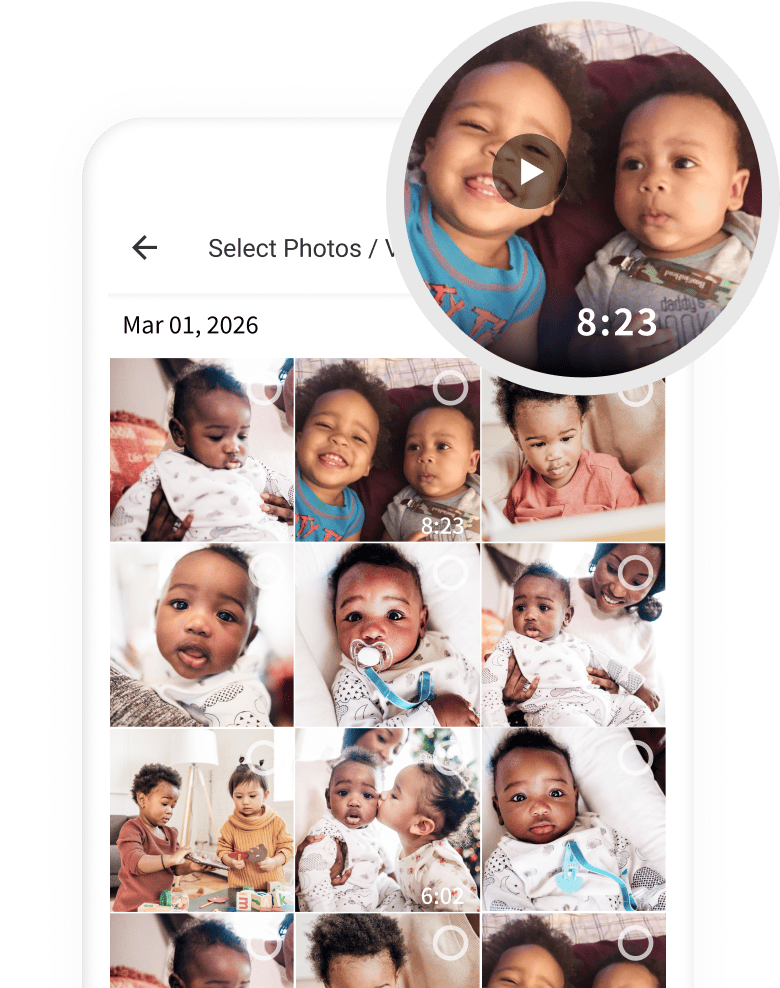
More Sharing Options
Introducing Premium's newest feature!
Now you can choose who gets to see each photo and video.
Save custom groups for easy sharing!*
Visibility settings for individual photos and videos will stay the same even after your Premium subscription ends.
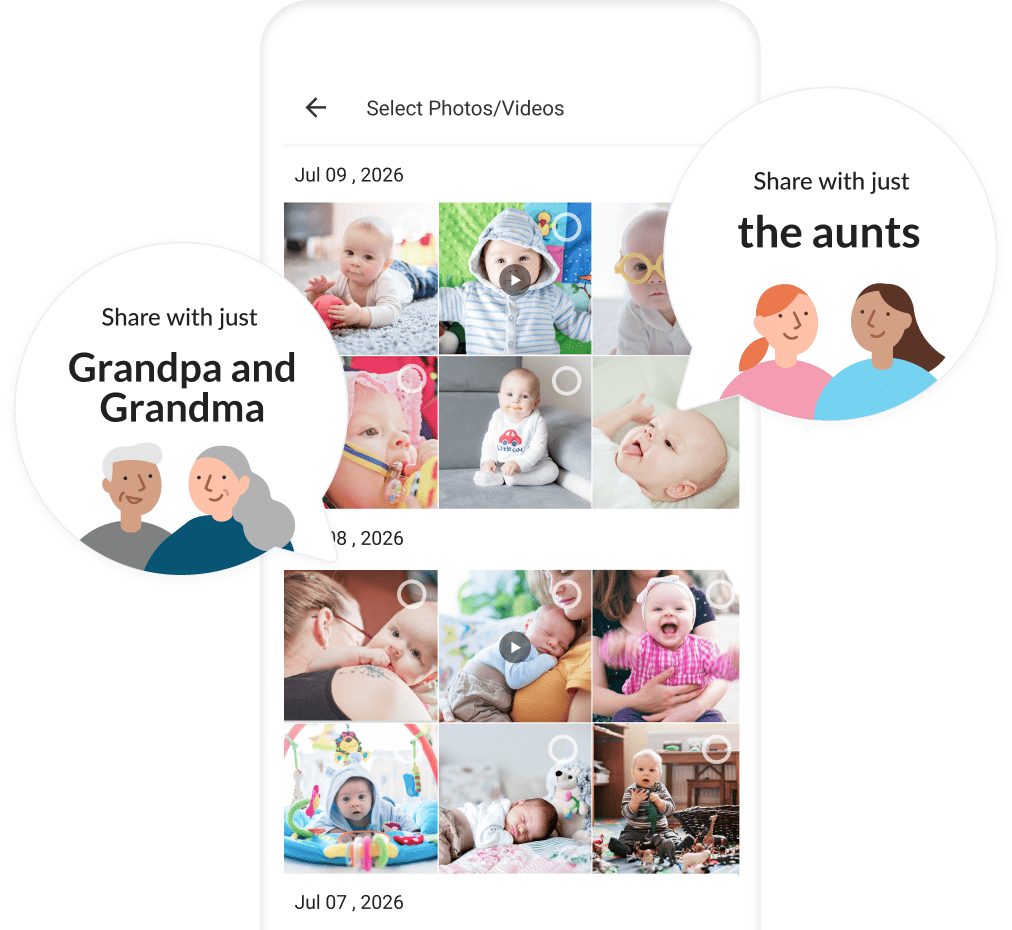
Visibility settings for individual photos and videos will stay the same even after your Premium subscription ends.
View Photos by Child
Plus Journal Entries and More!
With Pages, you can look back at photos and videos that have been automatically sorted by child. Plus, you can record each child’s growth by adding milestones, writing monthly journal entries, and more!
Only Album Admins can create journal entries.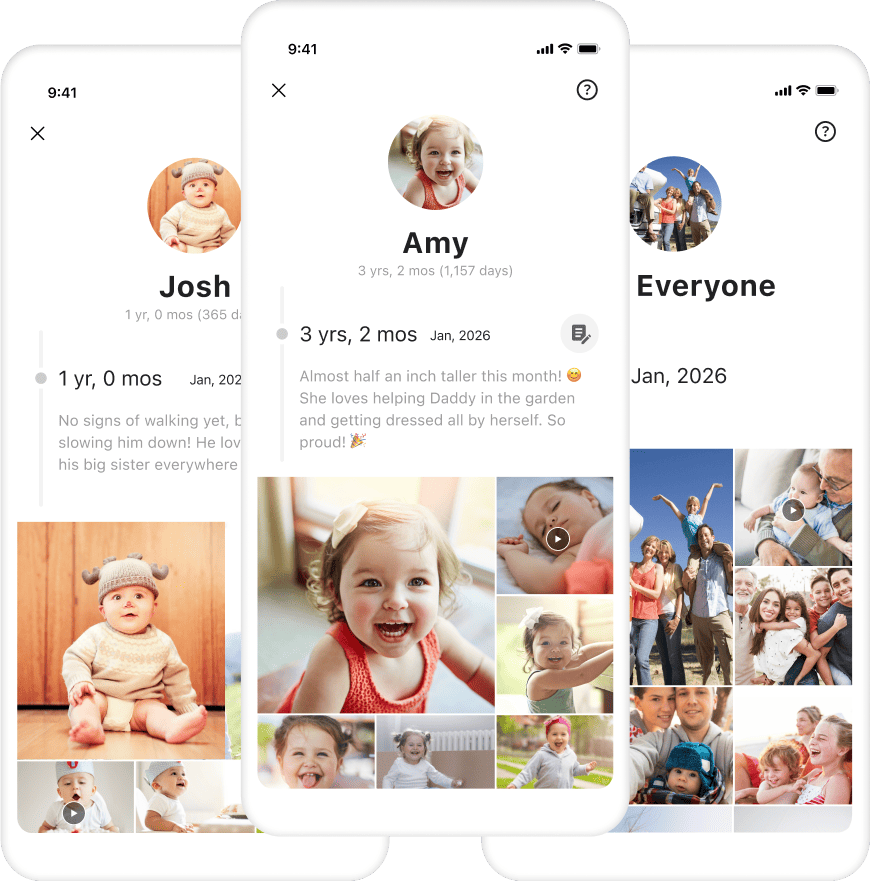
Upload From Your Computer
Upload photos and videos directly from your computer. With a Premium plan, you can easily put all your memories on FamilyAlbum.
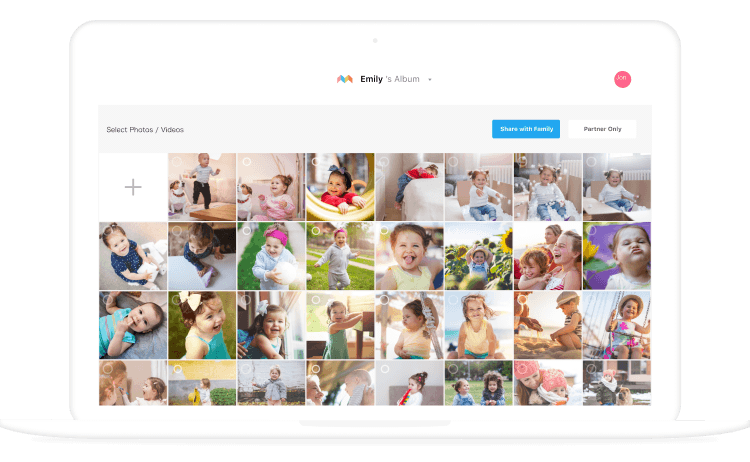
To Upload From Your Computer

Open your computer's browser and search for "FamilyAlbum Premium".


Access the FamilyAlbum Premium page and log in to begin.
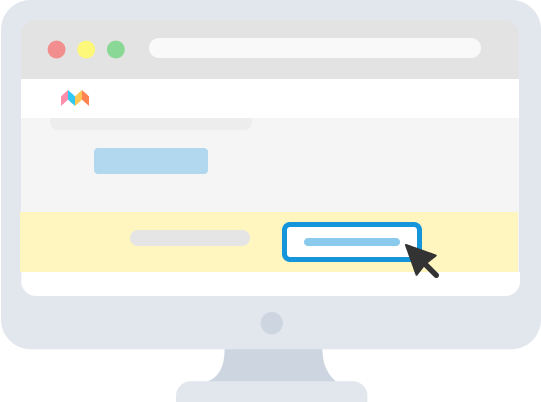
URL
https://family-album.com/premium
* To log in from your computer, you must first register an email address to your account. You can register an email address by opening the app on your smartphone and going to the Settings tab.
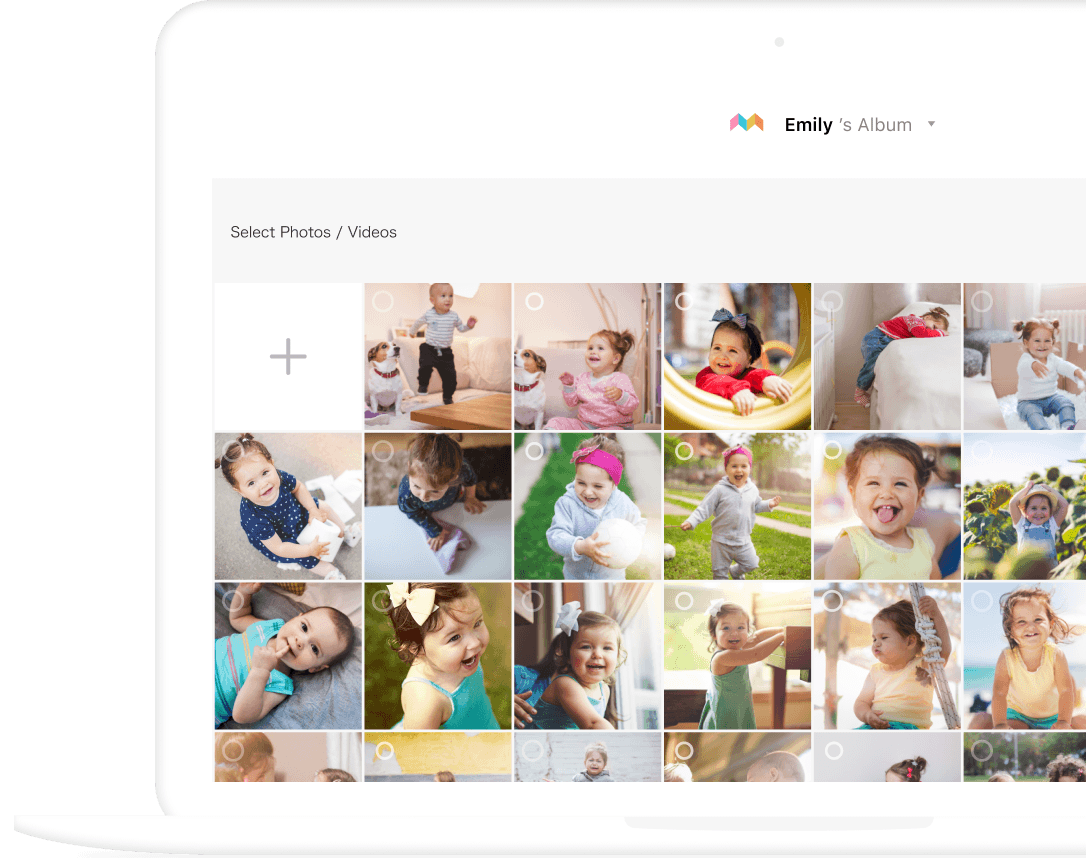
High-Quality Video Uploads
Save pristine videos of your children with high-quality video uploads! Upload your videos in full HD.
| Max Resolution | |
|---|---|
| Premium Family Pro | 1920 x 1080 |
| Premium Family | 1280 x 720 |
• This feature only applies to videos uploaded while covered by the Premium Family Pro plan.
• The quality of uploaded videos will not change if your Premium Family Pro coverage ends.
• Further details can be found on our FAQ.

• This feature only applies to videos uploaded while covered by the Premium Family Pro plan.
• The quality of uploaded videos will not change if your Premium Family Pro coverage ends.
• Further details can be found on our FAQ.
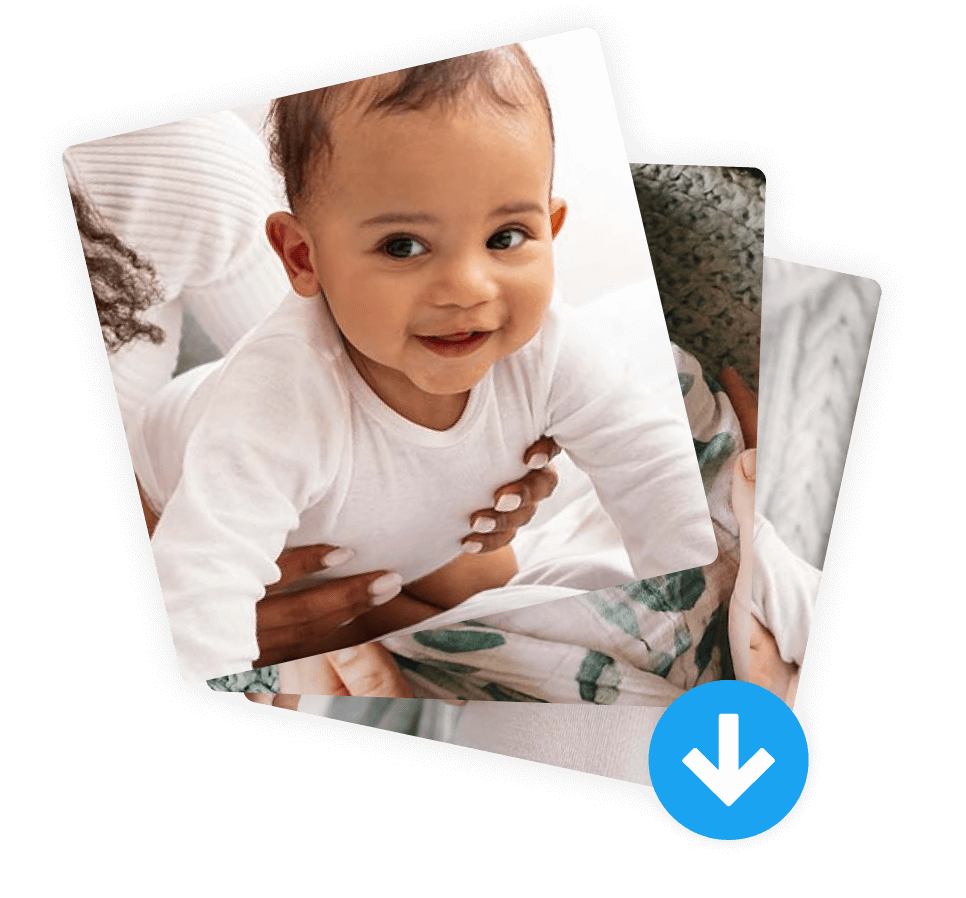
Bulk Downloading
Select multiple photos and videos, and then download them all at once.
Please note:• This feature is only available in the app version.
• Downloads are limited to photos and videos for which you have download permission.
• This feature is only available in the app version.
• Downloads are limited to photos and videos for which you have download permission.
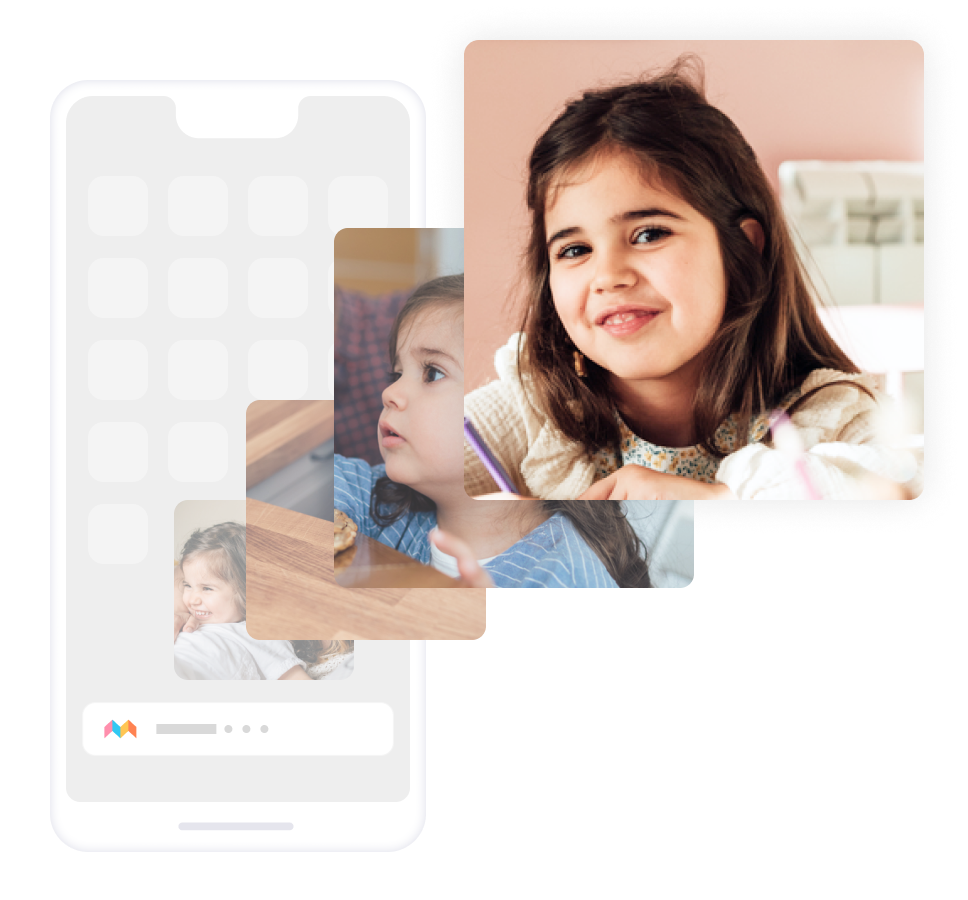
Background Uploading
Your FamilyAlbum photo and video uploads will not be interrupted when using other apps. Enjoy a smooth upload experience without needing to wait until your uploads are complete.
Please note:• This Premium Family Pro feature is only available for iOS.
• Uploading will stop if the device screen is locked.
• Uploading may fail when the network connection is unstable.
• This Premium Family Pro feature is only available for iOS.
• Uploading will stop if the device screen is locked.
• Uploading may fail when the network connection is unstable.
Edit 1s Movies
Swap photos and videos in and out of your 1s Movies. You can edit a 1s Movie as many times as you'd like with your favorite memories.
Only Album Admins can edit 1s Movies.It may take a day or longer for your edited 1s Movie to become available for viewing.
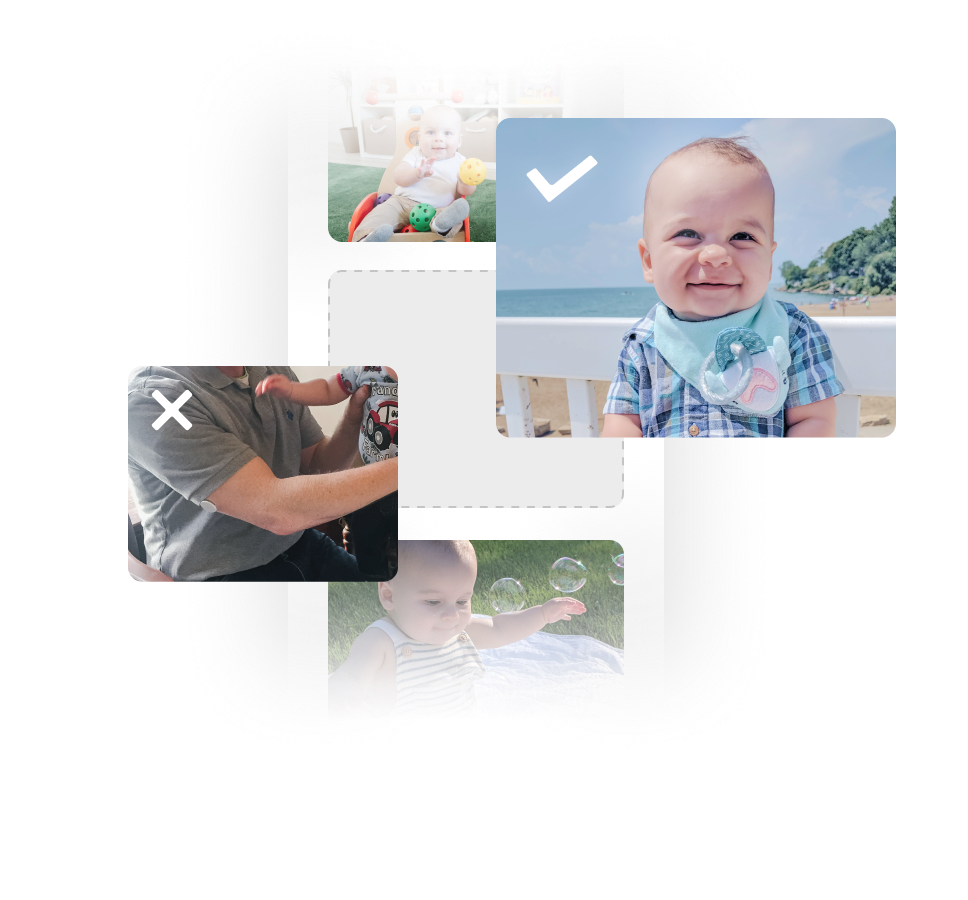
It may take a day or longer for your edited 1s Movie to become available for viewing.
TV Casting
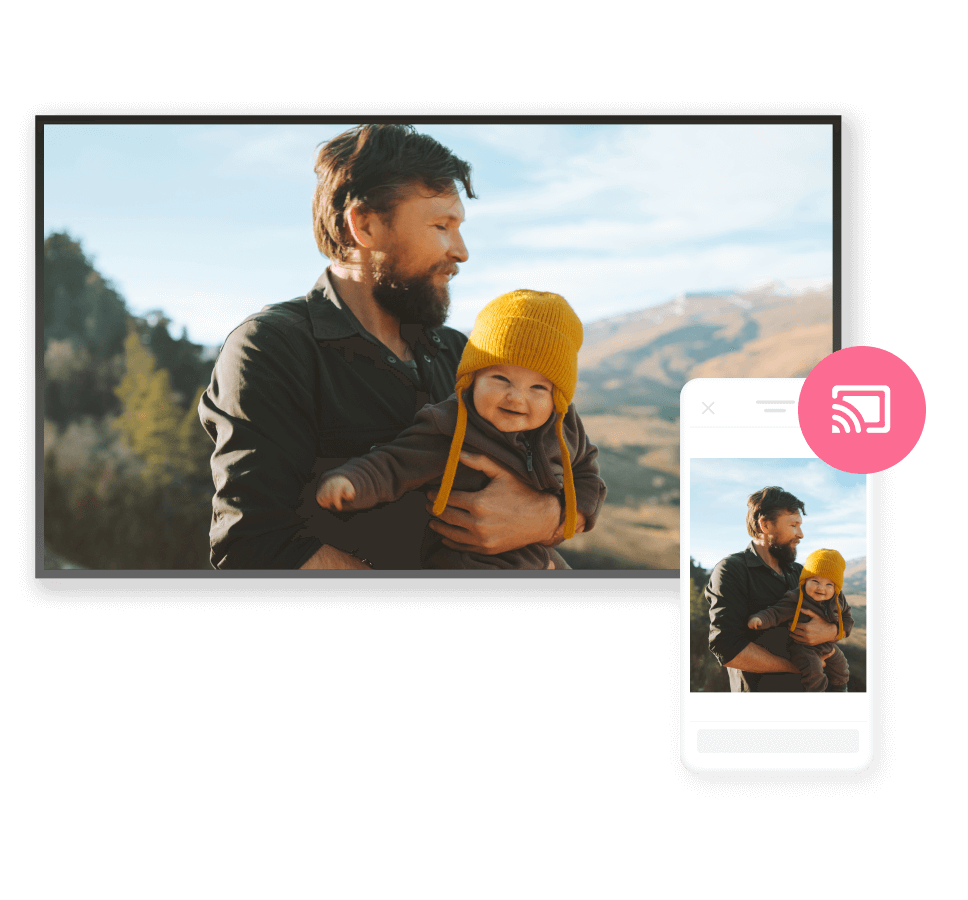
Relive your favorite memories on the big screen with the whole family! Effortlessly display your album's photos and videos on your smart TV or other compatible devices.
You can use this feature on devices connected to a Chromecast or Google TV Streamer, as well as TVs with Chromecast built in.
• This feature cannot be used with TVs that are not Chromecast-compatible, even if they support Apple TV, Fire TV, or Roku.
• Please check whether your TV is compatible with Chromecast before subscribing to Premium Family Pro.
• For information on compatible devices and how to connect, please check our FAQ.
• Chromecast and Google TV Streamer are trademarks of Google LLC.
• This feature cannot be used with TVs that are not Chromecast-compatible, even if they support Apple TV, Fire TV, or Roku.
• Please check whether your TV is compatible with Chromecast before subscribing to Premium Family Pro.
• For information on compatible devices and how to connect, please check our FAQ.
• Chromecast and Google TV Streamer are trademarks of Google LLC.
Search for Memories Easily
Search for photos and videos using the comments left by you and your family. For example, you could search "Happy Birthday" to quickly find birthday memories.

Compare Our Plans
First-time subscribers get the first month free for any plan!
$59 USD/year
$109 USD/year
| Free Version | One | Family | Family Pro | |
|---|---|---|---|---|
| Covered Users | — | Only the subscriber | All family | All family |
| No Third-Party Ads | — |  | | |
| Monthly and Yearly 1s Movies * | — | ** | ** | ** |
| Unlimited "On This Day" Slideshows | — *** | ** | ** | ** |
| Themed Compilations | — | ** | ** | ** |
| All Digital Photo Frame Features | — | | | |
| Free Shipping **** | — | — | | |
| Upload Videos Longer Than 2 Minutes | — | — | | |
| More Sharing Options (Admins Only) | — | — | | |
| Personal Pages (Admins Only) | — | — | | |
| Upload From Your Computer | — | — | | |
| Save/View High-Quality Videos | — | — | — | |
| Organize Photos/Videos With Tags (Admins Only) | — | — | — | |
| Bulk Downloading ***** | — | — | — | |
| Background Uploading (iOS Only) | — | — | — | |
| Edit 1s Movies (Admins Only) | — | — | — | |
| TV Casting | — | — | — | |
| Search Features | — | — | — | |
| Picture-In-Picture Video Playback | — | — | — | |
*
Yearly 1s Movies are sent to FamilyAlbum Premium users who are subscribed at any point between December 1 and January 31 of the following year. If your FamilyAlbum Premium coverage ends prior to December 1 and you are not covered during this period, you will not receive one.
For more information on 1s Movies, check FAQ.
In certain countries/regions, 1s Movies are not delivered to non-Admins (such as grandparents).
**
In certain countries/regions, this feature is not available to non-Admins (such as grandparents).
***
Up to 3 photos/videos for free
****
Excludes photo print products
*****
Downloads are limited to photos and videos for which you have download permission.
- Subscriptions are automatically renewed every month for monthly plans and every year for yearly plans, with the renewal date being based on the date the subscription began.
- If a subscription hasn't been canceled at least 24 hours before the free trial ends, it will be automatically renewed and the first payment will be charged.
- The subscriber's Apple ID / Google account will be charged for renewal within 24 hours before the end of the trial period.
- Each user in an album can use the free trial one time.
- Subscriptions can be managed or canceled via the App Store / Play Store.
How to Upgrade
You can subscribe to FamilyAlbum Premium from within the FamilyAlbum app.
Web payment can also be used when subscribing to Premium Family or Premium Family Pro.
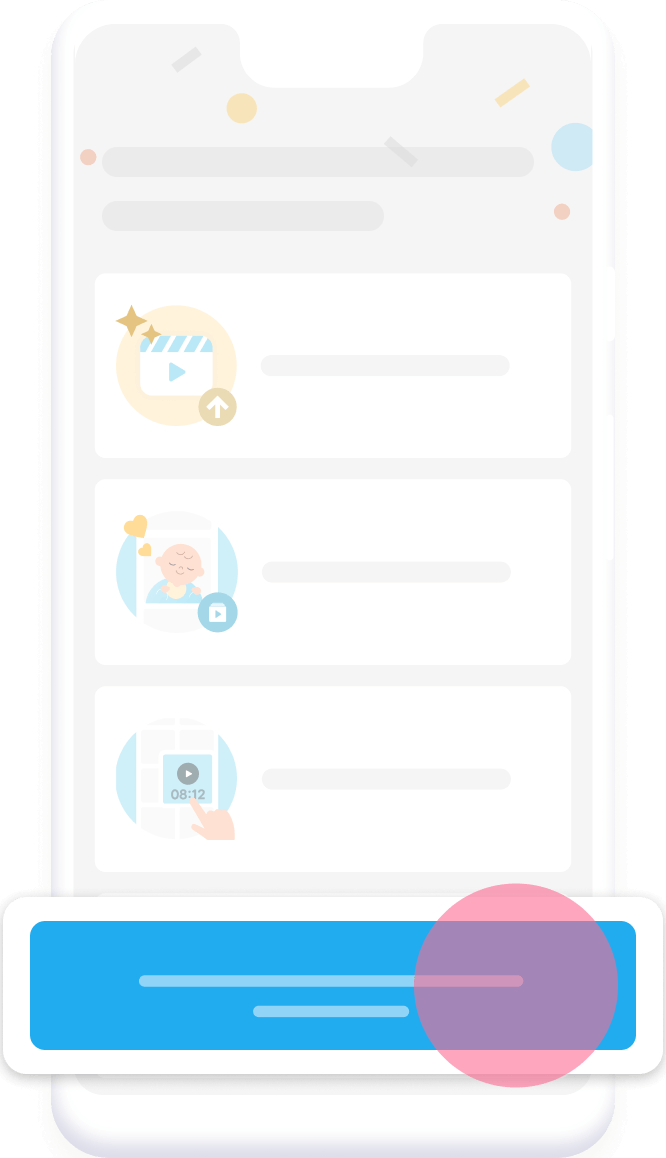
1. Open FamilyAlbum

2. Tap the Premium icon in the upper-left corner of the Album screen.

3. Tap the button at the bottom of the page.
How to Upload From Your Computer
To upload from your computer, you must log in with your registered email address.
You must register an email address to your account before you can log in and upload from your computer.
1. Click the "Upload From Your Computer" button at the top of the page or the one below.
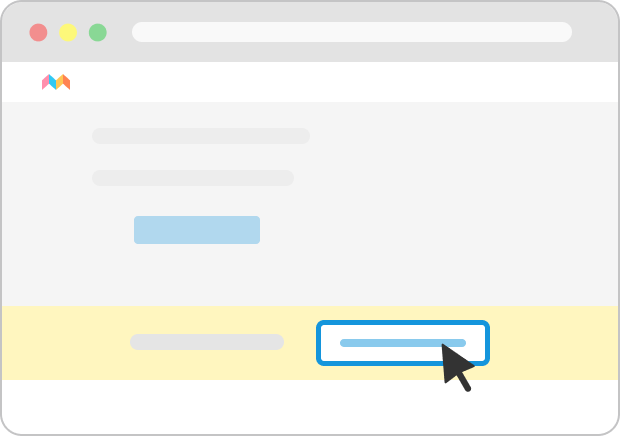
2. Log in using the email address you registered on the FamilyAlbum app.
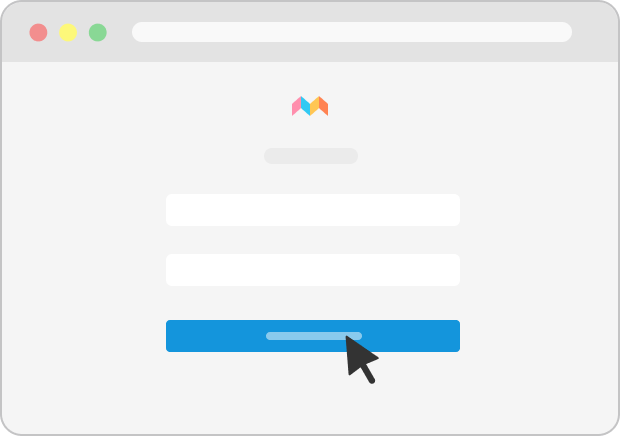
3. Drag & drop photos and videos or use the file picker to upload them.
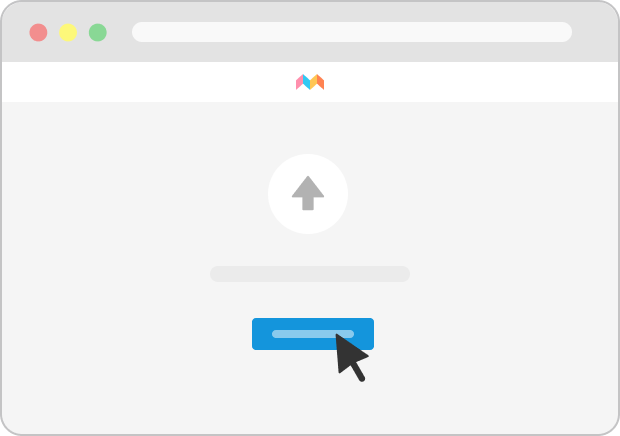
Please register for FamilyAlbum Premium to log in.
Your support has been a big inspiration as we work to continually bring joy to your family.
So (from us to you), we'd just like to say...